The question to ask about billing software is not what it does. It is what survives if the company behind it changes its mind. Vendors drop platforms, get acquired, retire products and reprice tiers, and none of those events are unusual enough to be worth planning around individually. What is worth planning around is the general shape of them: one morning the thing you bill through behaves differently, and your options depend entirely on decisions you made when you chose it.
Disclosure: I make and sell desktop billing software, which is one of the categories discussed here. I have tried to describe the failure modes of my own category as plainly as the others — they are real.
Key takeaways
- "Can I export?" is the wrong question. The right one is "can I still produce last year's invoice, exactly as the client received it, without an account?"
- Three things decide continuity: where the data file lives, whether the program runs without a server, and whether the format is readable by something other than the program itself.
- Desktop software has its own failure mode — the vendor stops updating, and eventually an OS release breaks it. That is a slower failure than a cancelled account, not an absent one.
- SQLite is the quiet reason a lot of desktop finance tools age well: the format is documented, ubiquitous and readable without the original application.
- None of this matters if you are turning over very little. It matters a great deal once you have several years of records you are legally required to keep.
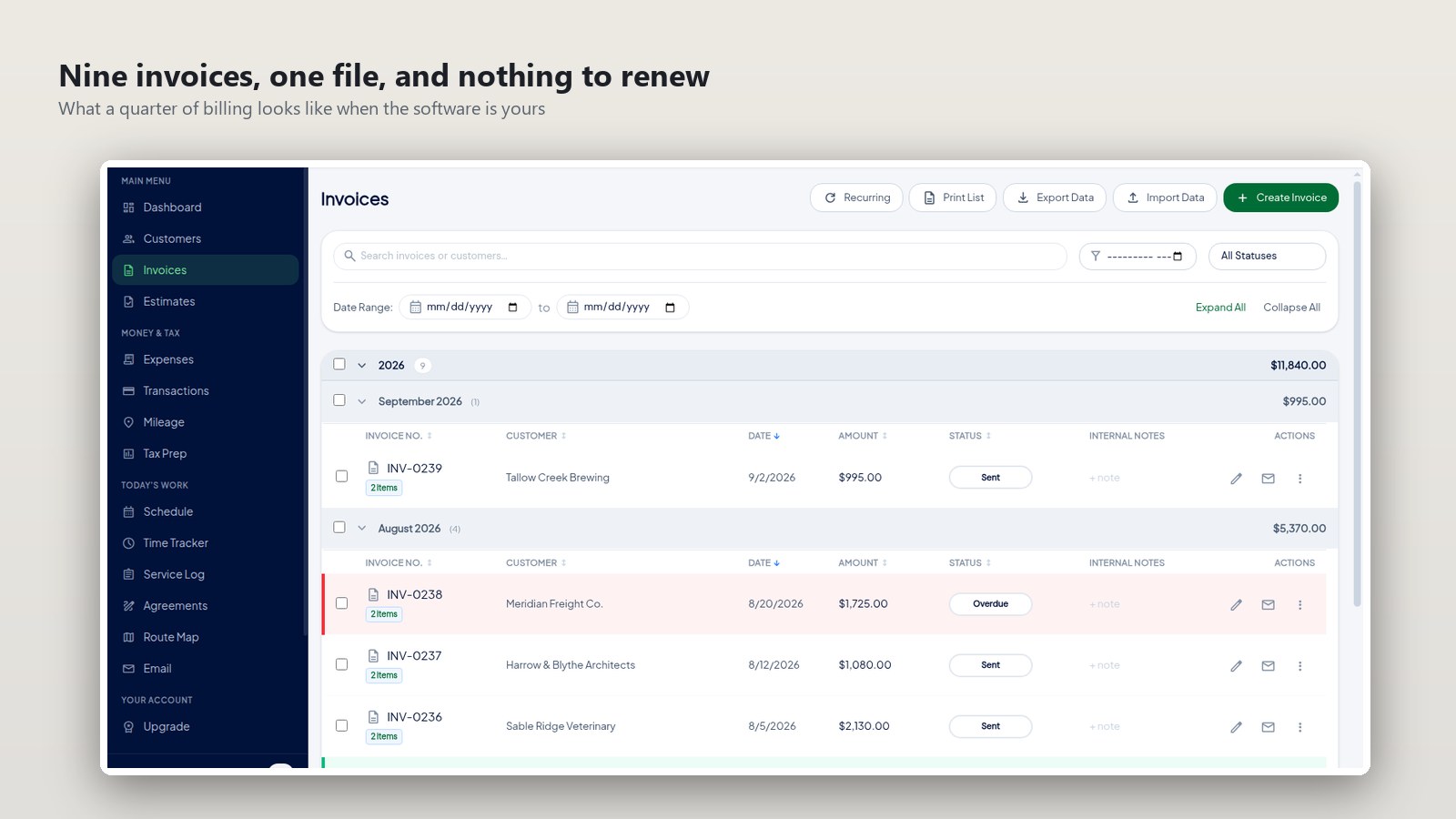
Three questions, in order of how much they matter
1. Where does the file live?
If the answer is "our cloud", your access to your own history is a payment away from ending. That is not a criticism of cloud software, it is a description of it. If the answer is "a file on your machine", the question becomes whether you back that file up — which is now your failure mode rather than theirs, and which you can actually control.
2. Does the program run without a server?
Try it. Turn off the network and open your billing software. If it shows a spinner, then whatever else is true, you cannot invoice on a train, during an outage, or in the fortnight after a card expires and an automated renewal fails silently.
3. Can anything else read the format?
This is the one people skip, and it is the one that decides the ten-year question. A proprietary binary format that only one program understands is a bet on that program still existing. SQLite — which is what a lot of desktop finance software stores its books in, mine included — can be read by Python, by the sqlite3 command line, by LibreOffice Base, by anything. The application becoming unavailable and the data becoming unreadable are then two separate events, and only the first one is likely.
What breaking actually looks like
It helps to be concrete about the failure modes rather than gesture at them, because they are not equally bad and they do not arrive at the same speed.
| What goes wrong | Hosted service | Self-hosted | Desktop program |
|---|---|---|---|
| You stop paying | Access ends, history included | Nothing happens | Nothing happens |
| Vendor is acquired or shuts down | Migration window, then gone | Fork it, or freeze the version | Keeps running; no new updates |
| Vendor drops Linux support | You were in a browser anyway | Not applicable | Last build keeps running |
| Your OS upgrades | No effect | May break; you fix it | May break eventually |
| Your laptop dies | No effect | Restore the server | Restore your backup — or lose it |
| You need a 2021 invoice in 2031 | Only if still a customer | Yes, if you kept the server | Yes, from the file |
Read the last row first. That is the one the tax authorities care about, and the one where the three columns diverge most.
The trap in "you can always export"
Every hosted service has an export button and it is frequently offered as the answer to all of this. It is worth testing what comes out, because the gap between "a CSV of my invoices" and "my invoices" is wider than it sounds.
A row in a CSV records that invoice 0231 was for $1,254 on 3 July. It does not necessarily include the PDF the client received, the receipt photographs attached to the expense lines, the payment history, the notes, or the numbering sequence that proves nothing was quietly deleted. When I have tested exports from hosted tools, the tabular data comes out cleanly and the documents and attachments are the part that goes missing — and you find out on the way out of the door, which is the worst possible moment.
And the honest weakness of my own category
Desktop software is not a magic answer and it fails in a specific way, so here it is plainly. If the vendor stops shipping updates, the program does not stop working — but it stops moving. Eventually an OS release changes something underneath it and the last build stops launching. On Linux that tends to be slower than elsewhere, because the library ABIs most desktop apps depend on are stable for years, but "slower" is not "never".
The mitigation is not faith in the vendor. It is the third question above: if the data is in an open format, a dead application is an inconvenience — you still have the records, and you can read them with anything. If the data is in a proprietary format, a dead application is a loss. That difference is worth checking before you buy, and it takes about a minute.
What I would actually do
- Find out what the file is before you commit. Ask the vendor, or look — a desktop app's data directory is not a secret.
- Export once, at the start, while you still have an account and no urgency, and look at what is in it. Especially whether the PDFs are.
- Put the file in the backup you already run. On Linux that is usually a matter of confirming your existing
restic,borgorrsyncjob covers your home directory, which it probably does. - Keep the installer. If you buy a desktop program, save the .deb or AppImage alongside your backups. A future version of the app you can no longer download is not much use.
- Do not over-engineer it. If your business is small and your records are three years deep, a backed-up file and an annual export is proportionate. You are not building an archive.
The bottom line
Billing software is infrastructure you will still be using in five years, and the choice is less about the invoice designer than about who holds the records and in what format. Ask where the file lives, whether the program opens offline, and whether anything else can read it. Whichever category you end up in, those three answers tell you what your exposure is — and if you cannot get them, that is an answer too.
The practical Linux side of this, including which package formats exist and what the monthly billing cycle looks like day to day, is covered at billing software for Linux.
FAQ
How long do I actually have to keep invoices?
The IRS ties it to the period of limitations for the return the records support, which is commonly three years but can be longer — six years where income was substantially understated, and indefinitely for an unfiled return. Its guidance on how long to keep records sets out the cases. Plan for longer than three years, because the version of you who needs them will not be the one who chose the software.
Is SQLite really readable in ten years?
It is about as safe a bet as exists in software. The format is documented, the library is public domain, it ships inside browsers, phones and aircraft, and its authors have committed to supporting the format until 2050. A file you can open with three lines of Python is in a meaningfully different position from one that needs a specific vendor's application.
Should I self-host to guarantee continuity?
Only if you would maintain it properly. Self-hosting moves the risk rather than removing it: you are no longer exposed to the vendor's decisions and you are newly exposed to your own backup discipline, your certificate renewals and your upgrade nerve. For people who like that work it is the strongest answer available. For everyone else it is a liability wearing the costume of independence.
Does paying once mean I get updates forever?
Ask, and get it in writing. Some one-time licences cover a major version only, with a paid upgrade every few years — which is a subscription with worse ergonomics. The meaningful question is whether the version you already have keeps working if you never pay again, and the answer should be yes.
What is the minimum sensible backup for this?
One automated copy off the machine, and one restore you have actually tested. Testing the restore is the half people skip, and an untested backup is a belief rather than a backup. If you already run a home-directory backup on Linux, confirm the application's data directory is inside it and you are finished.
Comments (0)
Be the first to comment.
Leave a comment